
CEREMONY
3:00 PM
The Cliff Lawn
Outdoor — dress for sun and sea air.

Design your site, collect RSVPs, and run your guest list, budget and timeline — all free, no card.
Typography, spacing, and colour are handled for you. You just add your words and photos.
Classic, Modern, Romantic, Bold, Coastal — each one sets the typography, colour, and photo layout for you.
Single-page, editorial long-form, photo-forward, split-screen, multi-page. Switch between them with one click.
Pick a style, a colour preset, and a layout — your site is drafted and ready to edit in seconds.
Meal choices, plus-ones and dietary notes — all synced to a guest list you can export to your venue.
Add a slim hero band or a full section. Three styles to choose from — minimal, dark, or script.
Built mobile-first and tested at every screen size, so it looks just as good on a phone as on a desktop.
Live preview on the right, sections on the left, three tabs for content, design, and site settings. Edit a heading and watch it land in place.
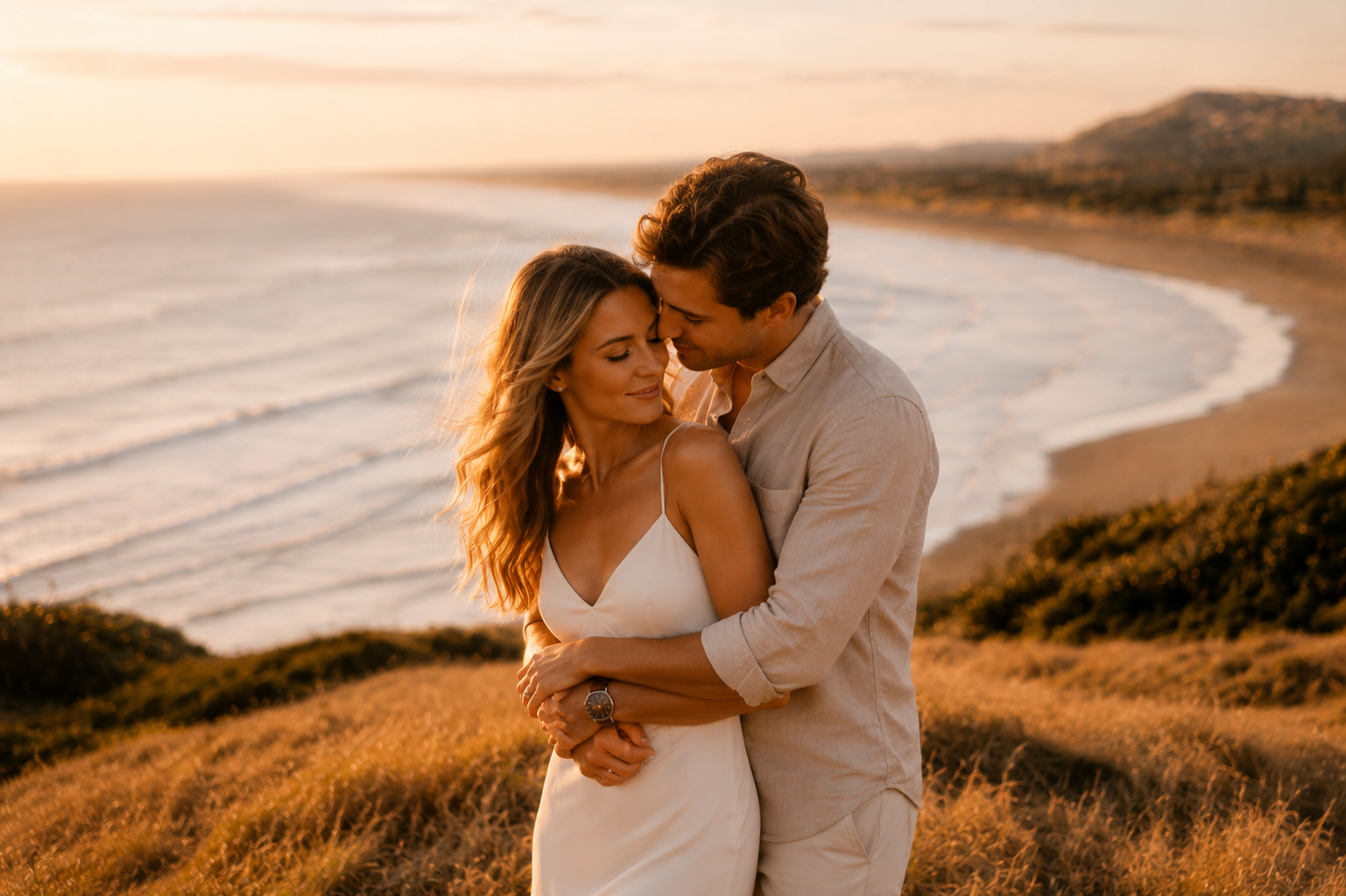
“I will love you in the morning and in the evening, and every moment in between.”
Outdoor — dress for sun and sea air.
Dinner, speeches, and dancing.
Nightcaps for the night owls.


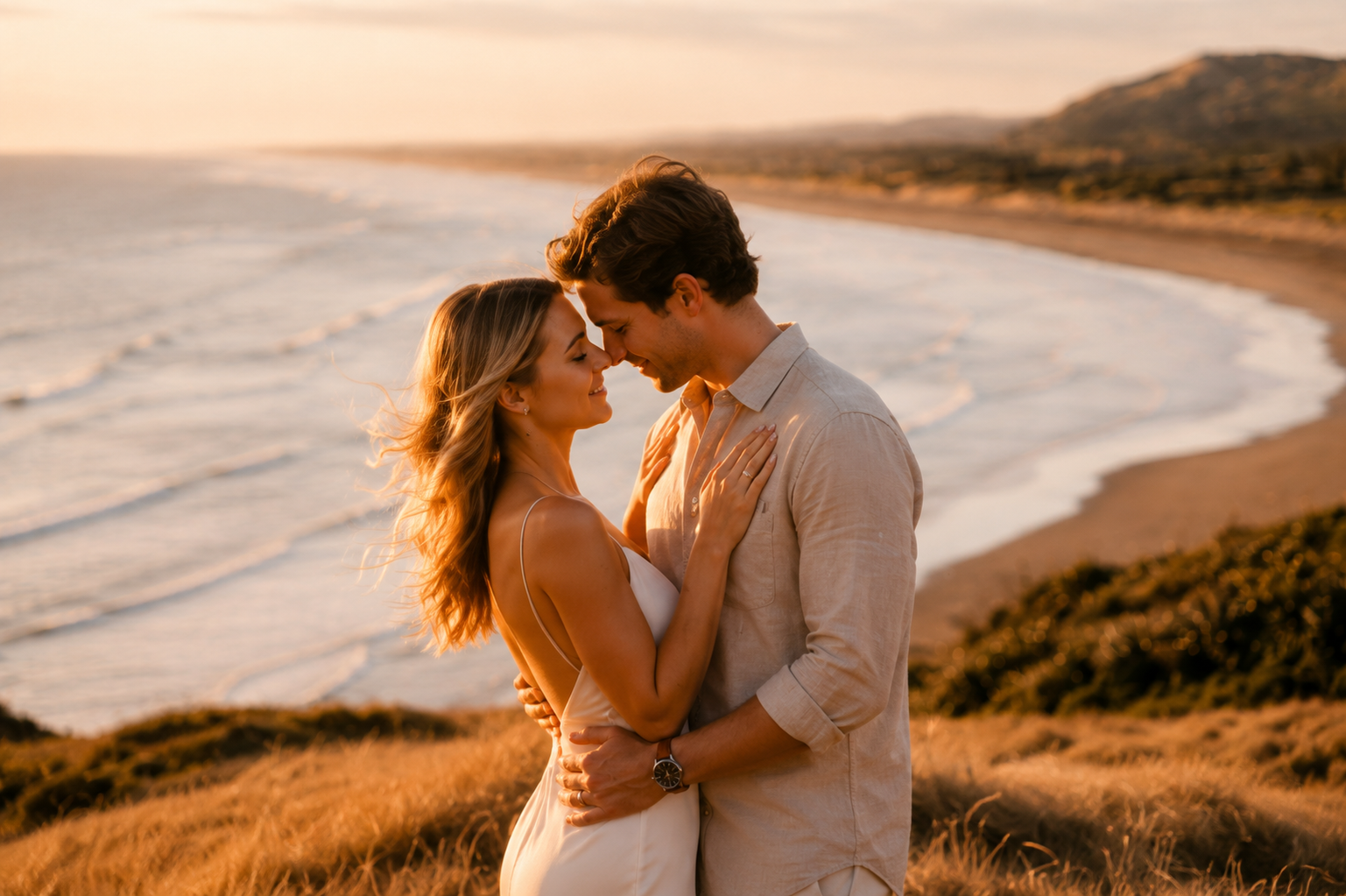



Editing · 01
Hero
Partner 1
Partner 2
Hero variant
Live preview
Desktop and mobile, side by side.
Undo, fifty steps deep
Type freely. Nothing is ever lost.
Drag to reorder
Sections rearrange with a single motion.
Each preset is a finished, on-brand world. Pick one to begin — every detail is yours to refine from there.
Everything you need to plan the day, in one place.
Guests & RSVPs
Sides, groups and plus-ones. Collect replies, meal choices and dietary notes — then send reminders by email.
Budget
Every line, estimated against actual, in your currency. Always know what's spent and what's left.
Checklist
A twelve-month plan, pre-filled with milestones and due dates, counting down to the day.
Inspiration
Save anything from the web with the Chrome extension. Sort into boards and compare side by side.
Day-of timeline
Build the run sheet — first look to last dance — and share it with your photographer and vendors.
Seating
Drag tables until everyone has a seat. Rearrange the whole room in seconds.
One login, one place — no extra tools to learn the week before.
Seating, CSV exports and advanced RSVPs — all free.
Drag guests into tables. Run Smart Arrange to seat the bridal party first, group families together, and pair plus-ones — in seconds. Re-run as many times as you like.
From unassigned chaos to a complete plan, in under a minute.
Most couples publish their first version the same evening they sign up. Take as long as you like after that.
Choose a style family, a theme preset, and a layout. Your complete site is drafted in seconds — ready to make yours.
Edit any section in the right panel. Reorder them in the left rail. Swap presets, layouts, photo arrangements with a single click.
Drop in your engagement and venue shots. Every placeholder is uploadable, and the crop is handled for you.
Publish to your own whiteandgrace.com link, send to your guest list, watch responses arrive. Export to your venue and caterer when you’re ready.
Most couples publish a first version within 30 minutes — pick a style, choose a theme, select a layout, and from there you're refining rather than starting from scratch.
Yes — any time. Your content stays put; only the look changes. Try a few. Coming back to the first one you chose is also a perfectly good answer.
Every preset is designed mobile-first and tested at every breakpoint. There's a Mobile / Desktop toggle in the studio so you can preview both as you go.
Yes — meal preferences, plus-ones and dietary notes are all free, and you can export a venue-ready CSV any time.
It stays live. Your site is kept forever — no expiry, no renewal — a keepsake of the day.
Free to start. No credit card. Pick a design, add your details, and publish your wedding website in an evening.
Open the studio →